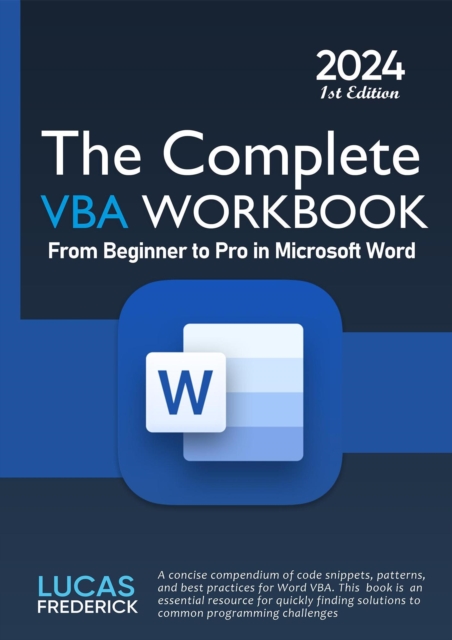
Word 2024 - Stufe 2: Aufbauwissen- Auch fur Microsoft 365 Verstandlich und mit vielen Beispielen- Fur fortgeschrittene Anwender von einer erfahrenen Dozentin erklart- So geht's: umfangreiche Dokumente effizient gestalten- Alles zu Vorlagen, Formularen, Feldern und VerzeichnissenSie arbeiten im Beruf oder Studium mit Word?
- Leicht nachvollziehbare Anleitungen mit Bildern- Übungsbeispiele auch zum Download- Tipps und Tricks für effizientes Arbeiten im AlltagDas Office-Programm Word ist im Alltag unverzichtbar, sei es beruflich, privat oder im Studium.
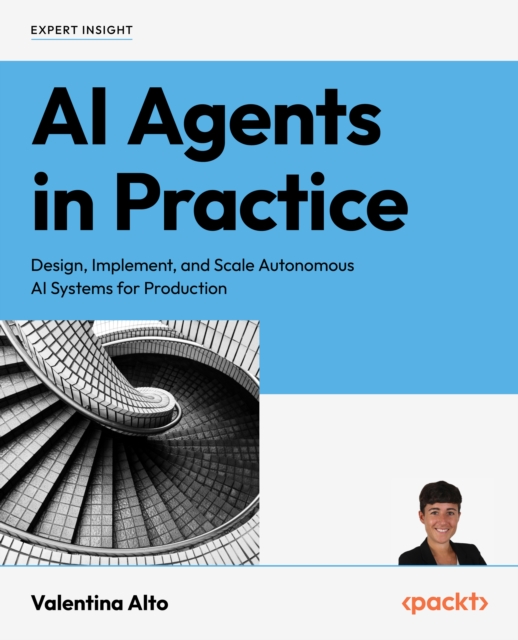
Master the art of building AI agents with this hands-on guide to orchestration, multi-agent systems, real-world case studies, and ethical insights to drive immediate business impactKey FeaturesBuild production-ready AI agents with hands-on tutorials for diverse industry applicationsExplore multi-agent system architectures with practical frameworks for orchestrator comparisonFuture-proof your AI development with ethical implementation strategies and security patternsPurchase of the print or Kindle book includes a free PDF eBookBook DescriptionAs AI agents evolve to take on complex tasks and operate autonomously, you need to learn how to build these next-generation systems.
Master the art of building AI agents with this hands-on guide to orchestration, multi-agent systems, real-world case studies, and ethical insights to drive immediate business impactKey FeaturesBuild production-ready AI agents with hands-on tutorials for diverse industry applicationsExplore multi-agent system architectures with practical frameworks for orchestrator comparisonFuture-proof your AI development with ethical implementation strategies and security patternsPurchase of the print or Kindle book includes a free PDF eBookBook DescriptionAs AI agents evolve to take on complex tasks and operate autonomously, you need to learn how to build these next-generation systems.
While Optical Character Recognition (OCR) techniques have made significant strides, they often fall short when dealing with non-text elements in documents.
While Optical Character Recognition (OCR) techniques have made significant strides, they often fall short when dealing with non-text elements in documents.
Track changes is an essential skill to master if you're ever going to work with others on creating any sort of document, be it a business report, school report, or novel.
If you're going to print documents in Word then you need to master page formatting, including how to insert headers, footers, and page numbers, as well as more advanced skills like working with page breaks.
If you want to print a document from Word, chances are you'll need to know how to format that document including adding headers, footers, and page numbering.
Once you've mastered the basics of Microsoft Word it's time to explore some more complicated options such as track changes, tables, multilevel lists, styles, tables of contents, and page and section breaks.
Write enough business reports or school reports and at some point you'll probably want to organize information into a table to make data easier to see and understand.
One of the key skills you need to master to effectively use Microsoft Word is how to format text and paragraphs--such as changing your font or font size, bolding, italicizing, or underlining text, or changing the alignment or spacing of a paragraph.
Tables are a great way to present and organization information in a Word document and they have an incredible amount of flexibility in terms of format and organization.